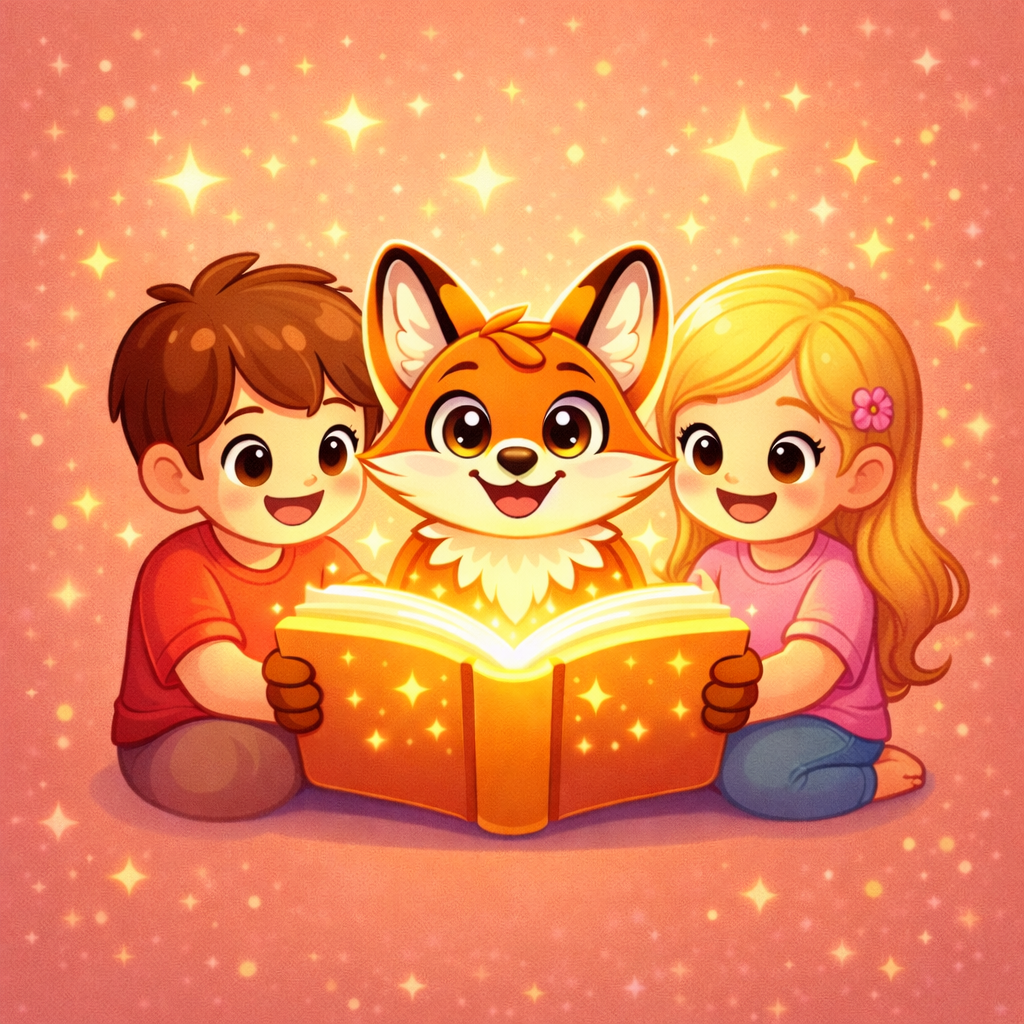
Magical stories for kids. Calm clarity for parents.
Personalized stories, poems, and safe reading made for every child.
What Lumora Kids can do
_
Create personalized stories and poems, unlock safe kid-friendly reading, and turn every session into a calm learning moment with music, word tapping, and a trusted story library.
5 languagesKid-safe reading modeTap words to learnPremium audio & musicTrusted story library
Preview real story pages before installSubscriptions start only in the mobile appPrivacy and support stay easy to find
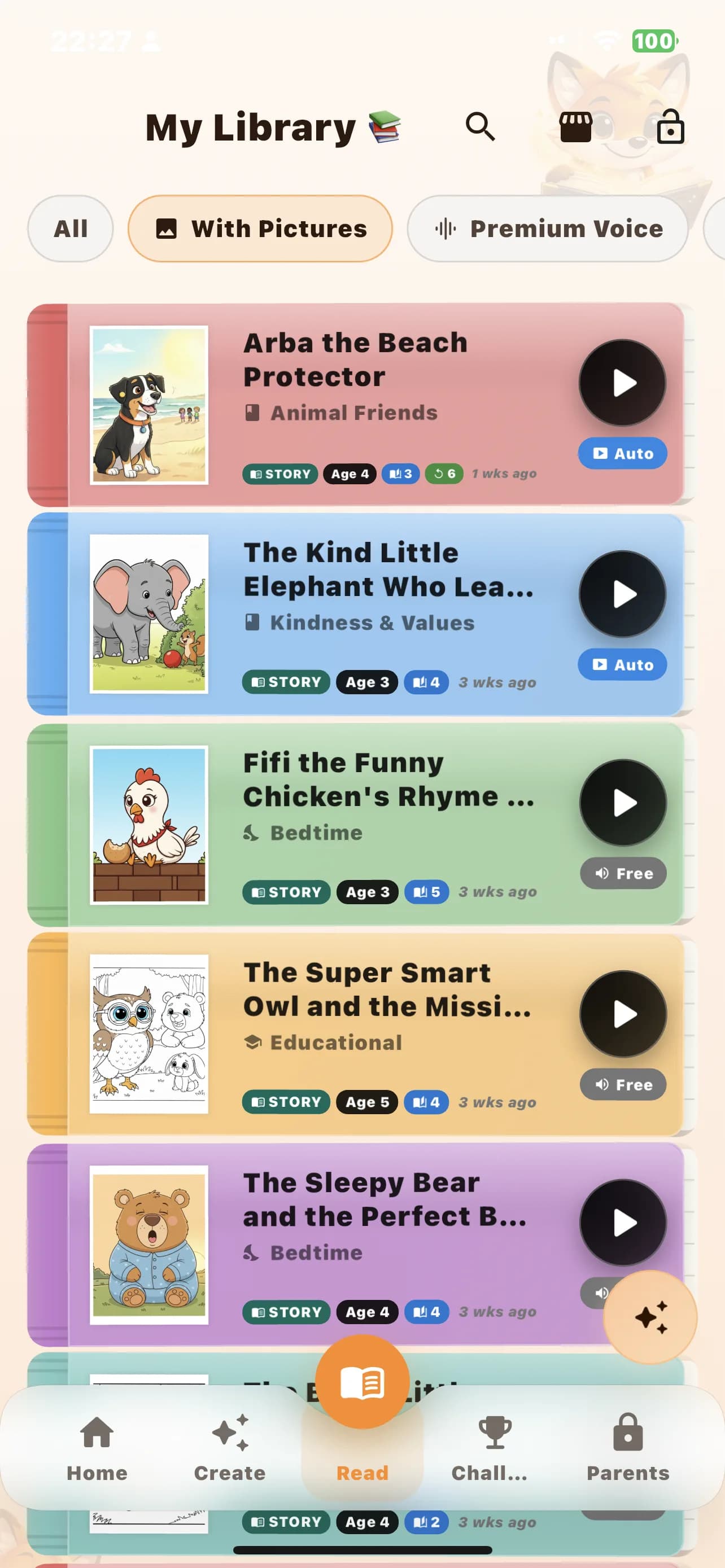
Personalized story library
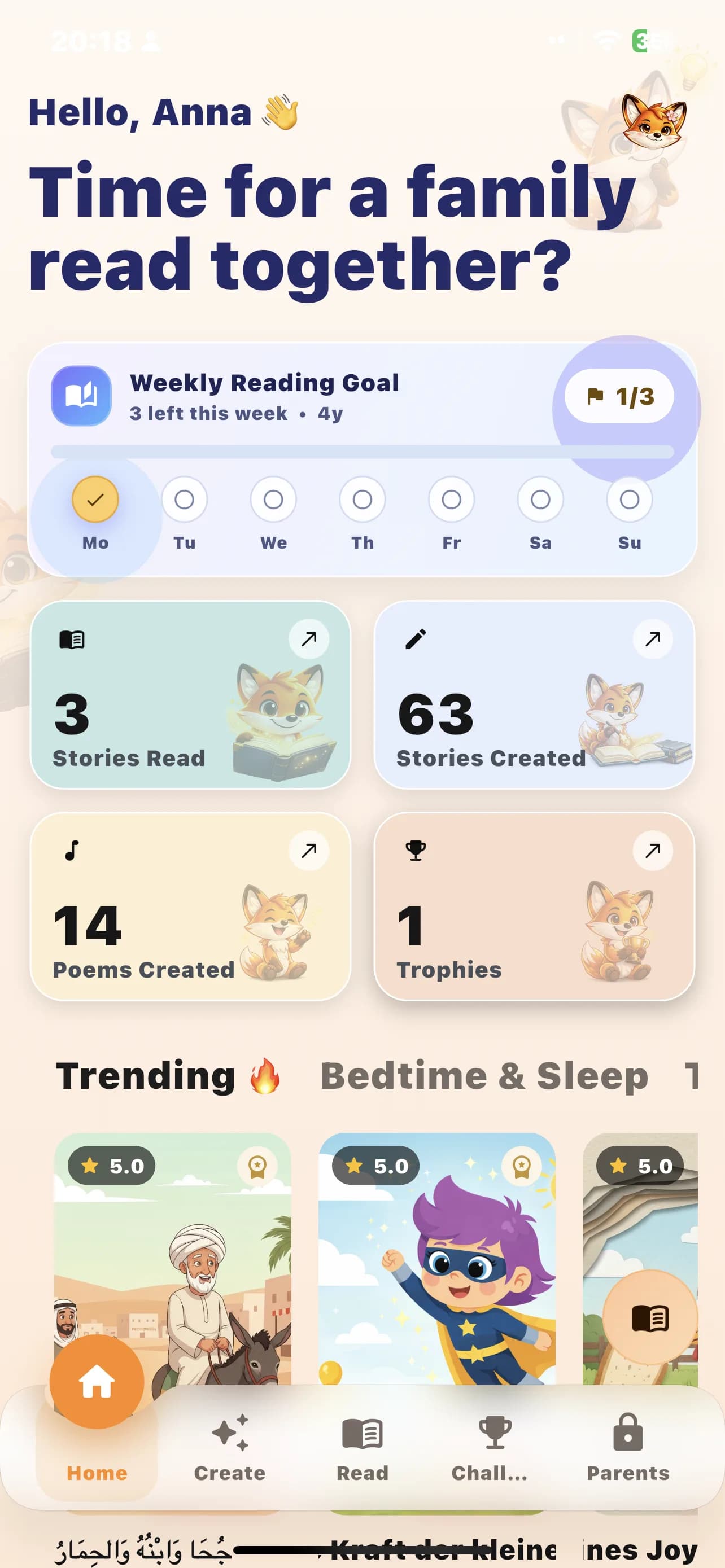
Weekly goals and child profile
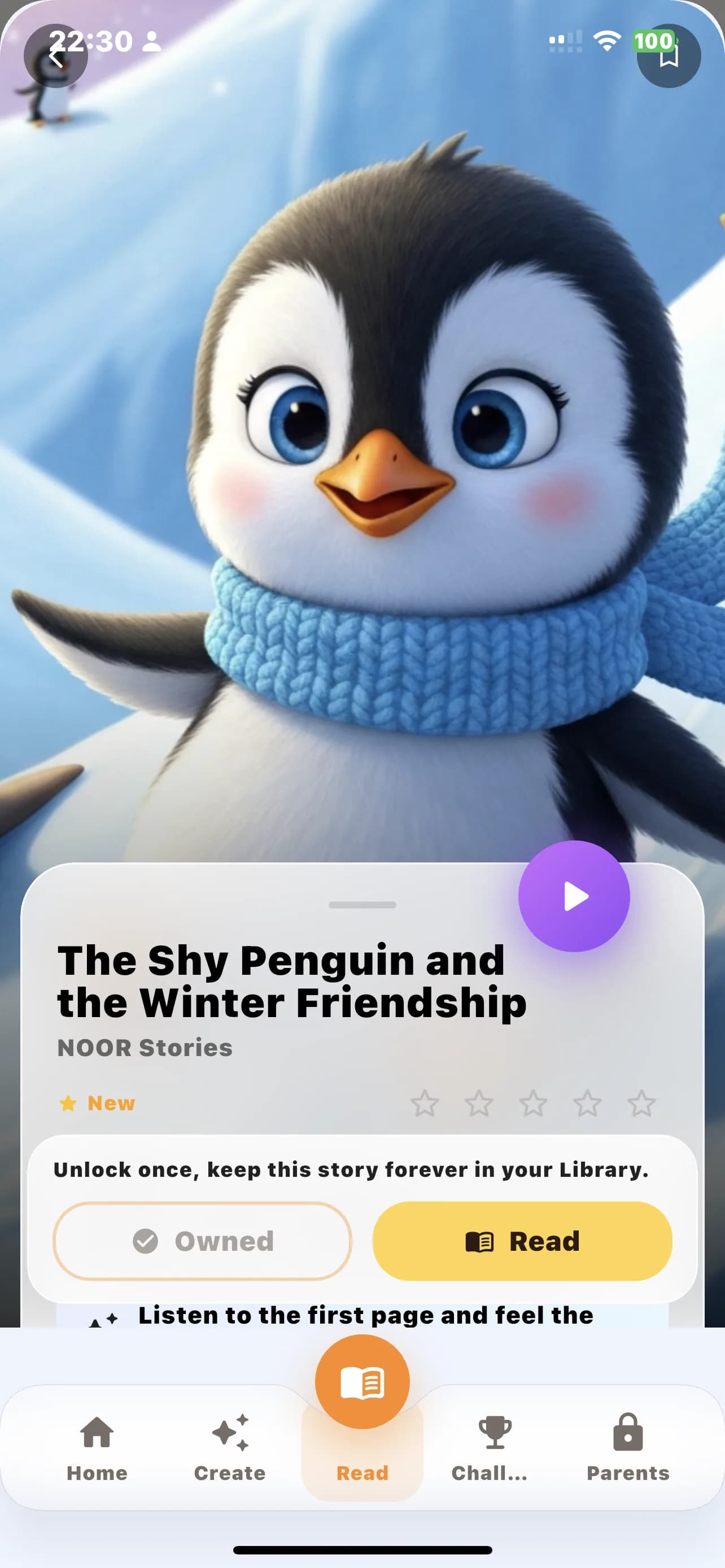
The Shy Penguin and the Winter Friendship
Audio Preview
Experience our calm, soothing audio.
Preview the voices in your selected language and hear how warm, calming, and ready-to-play each story feels before you install.
English voices
See the app first
A cleaner first impression for parents, without hiding the playful parts kids love
The site uses real mobile app screenshots, selected mascots, profile avatars, and reading rewards so families can understand the product quickly and still feel the emotional warmth of the brand.
Profiles and personalization
Build stories around one child, then another, without starting from zero.
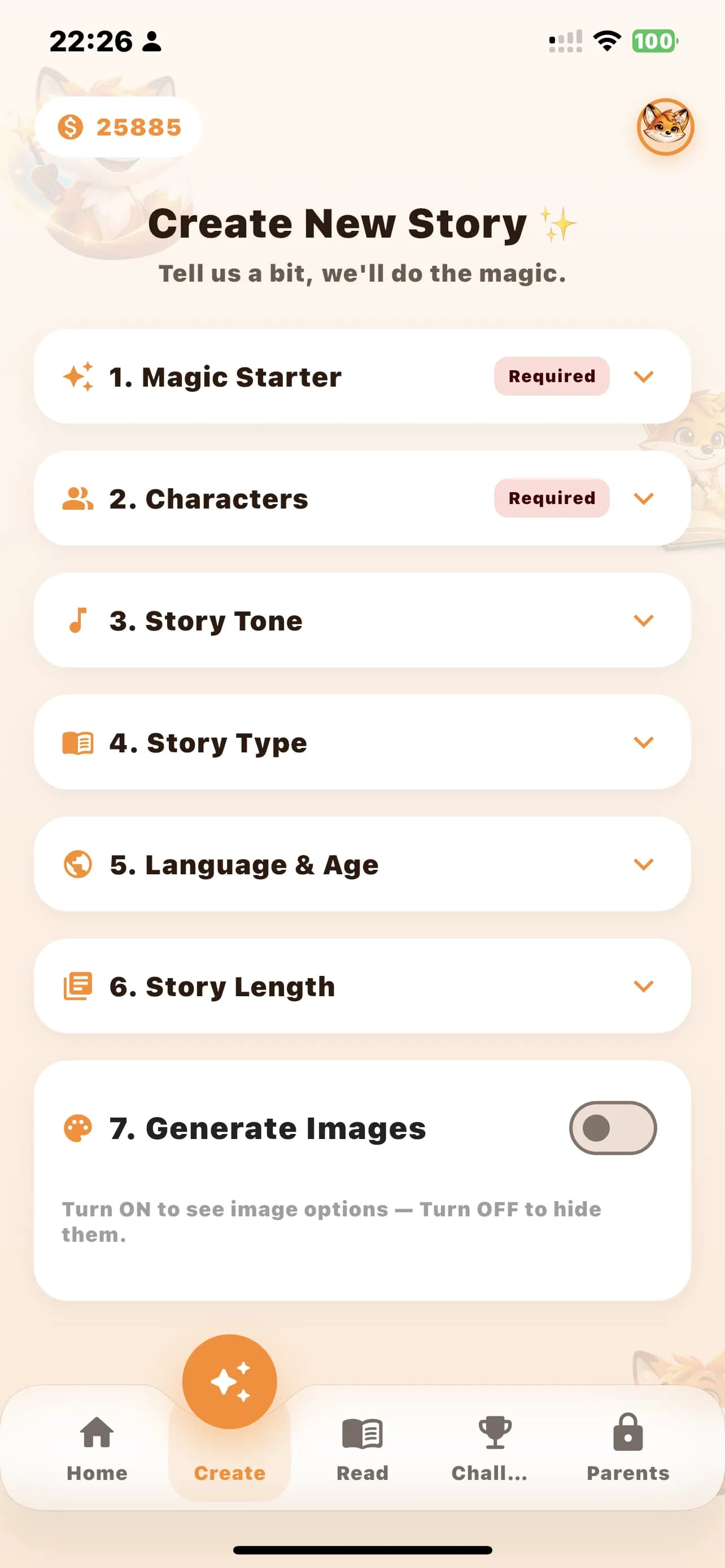
Child profiles, age fit, story modes, and guided setup make the mobile app feel structured for families instead of open-ended and messy.
Multiple child profiles
Story, poem, audiobook, and first words modes
Guided setup before creation
Audio and read-along
Hear the voice first, then move into calmer listening inside the app.
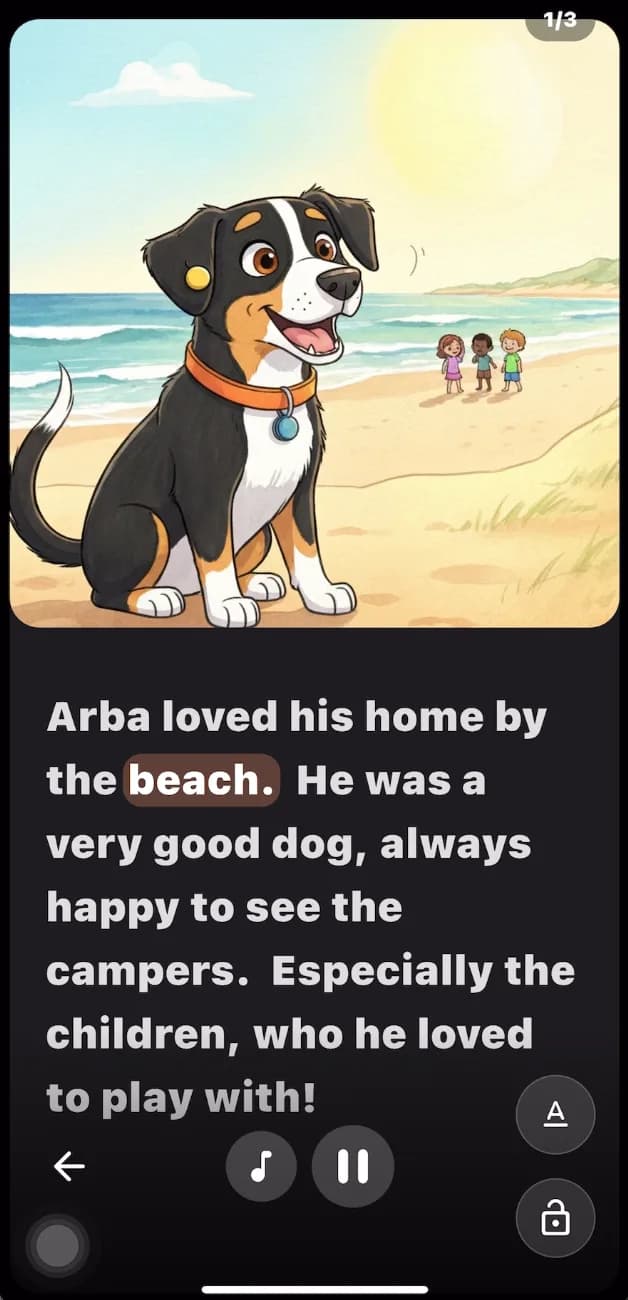
Voice previews, multilingual narration, and read-along support help parents evaluate tone before they install and help children follow the story more confidently later.
Language-specific voice previews
Audiobook-friendly listening flow
Read-along highlighting for word-following
Goals, trophies, and return visits
Give families a reason to come back next week, not just tonight.
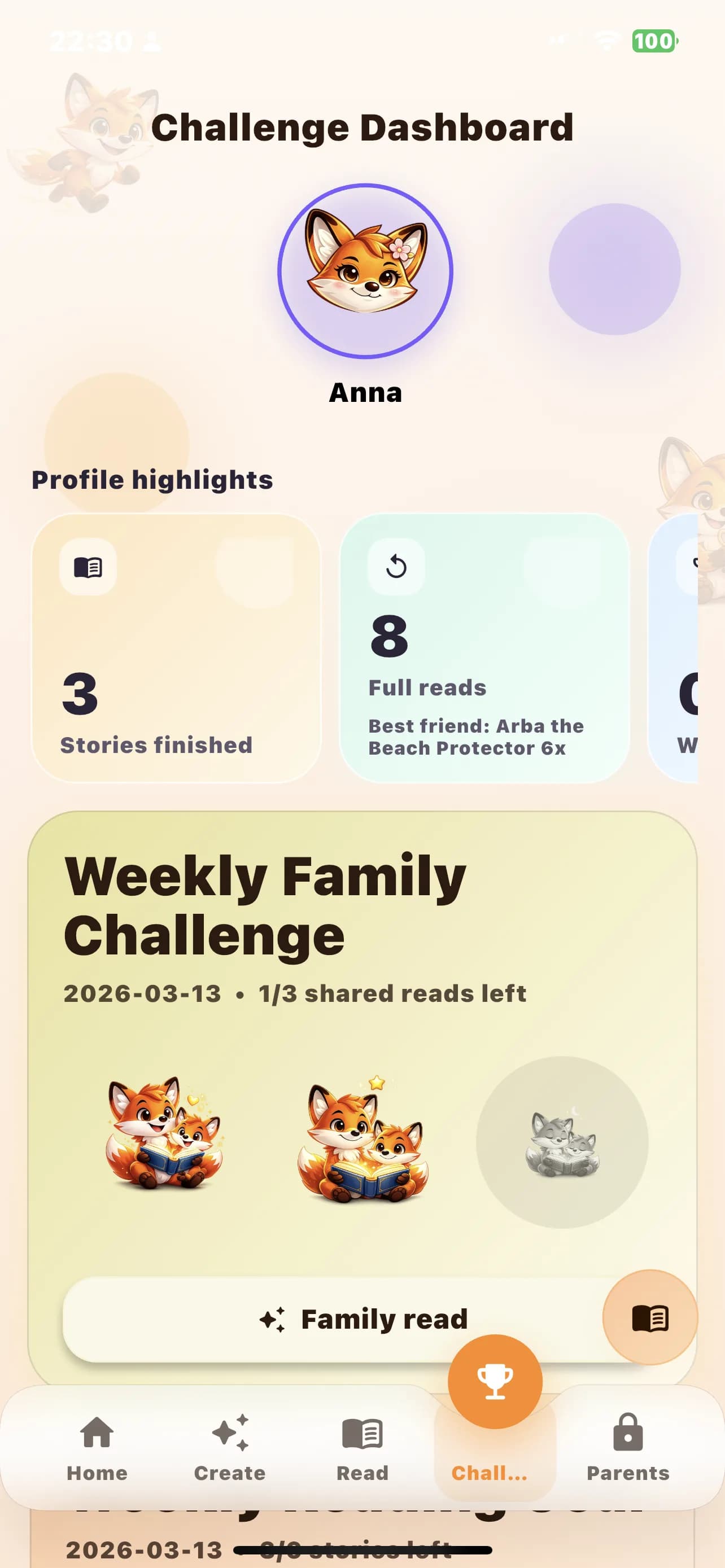
Weekly reading goals, trophies, and profile-aware progress turn the app into a repeat family habit instead of a one-time novelty.
Weekly reading goals by age
Trophies that celebrate progress
Profile-based momentum for siblings
Featured stories
Open a preview, hear the tone, and decide with more context
Every story card keeps the decision simple: age, reading time, story type, visible themes, and voice preview when audio is available.
Lucas découvre ses émotions comme des petites fleurs dans un jardin. Il apprend à reconnaître la joie, la tristesse, la colère et la peur, et trouve comment retrouver le calme grâce à des astuces simples. Une histoire pour aider les enfants à grandir avec leurs sentiments.
Show the boundaries clearly before you ask for the install
Family safety pages, support access, and parent protection matter more than vague trust language. The website should make those controls visible, specific, and easy to reach.
Parent controls and support stay one click away from the hero, stories, and install paths.
The app is available on mobile, with subscriptions started inside the Android or iOS app only.
Story previews stay short on purpose, so curiosity leads into the app without hidden pressure.
Parent-sensitive actions such as subscription, purchases, and protected settings are kept behind parent verification so the child reading flow stays separate from adult-only actions.
Is Lumora Kids available on the web?
Not yet. The website is for discovery, trust, previews, and install guidance. The full Lumora Kids app experience is not yet available on the web.
Can I restore purchases if I reinstall the app or change device?
Yes. The mobile app includes a restore purchases flow so parents can recover eligible purchases and then sync their wallet and entitlements again.
Get a calm parent reminder
Receive new story highlights and seasonal reading ideas. Parent-focused updates only.
Ready when you are
Take the next step into the Lumora Kids mobile app
Browse a few stories, hear the voice, review the trust pages, and install from the mobile store only when the fit already feels clear. No pricing tricks, no urgency tricks, just a calm path forward.