Safety & Trust
Safety for Families
How Lumora Kids is presented as a parent-guided storytelling product with clear boundaries, age visibility, and trust-first reading flows.
Safety for Families
Lumora Kids is designed for parent-guided use, clear boundaries, and calm family reading experiences.
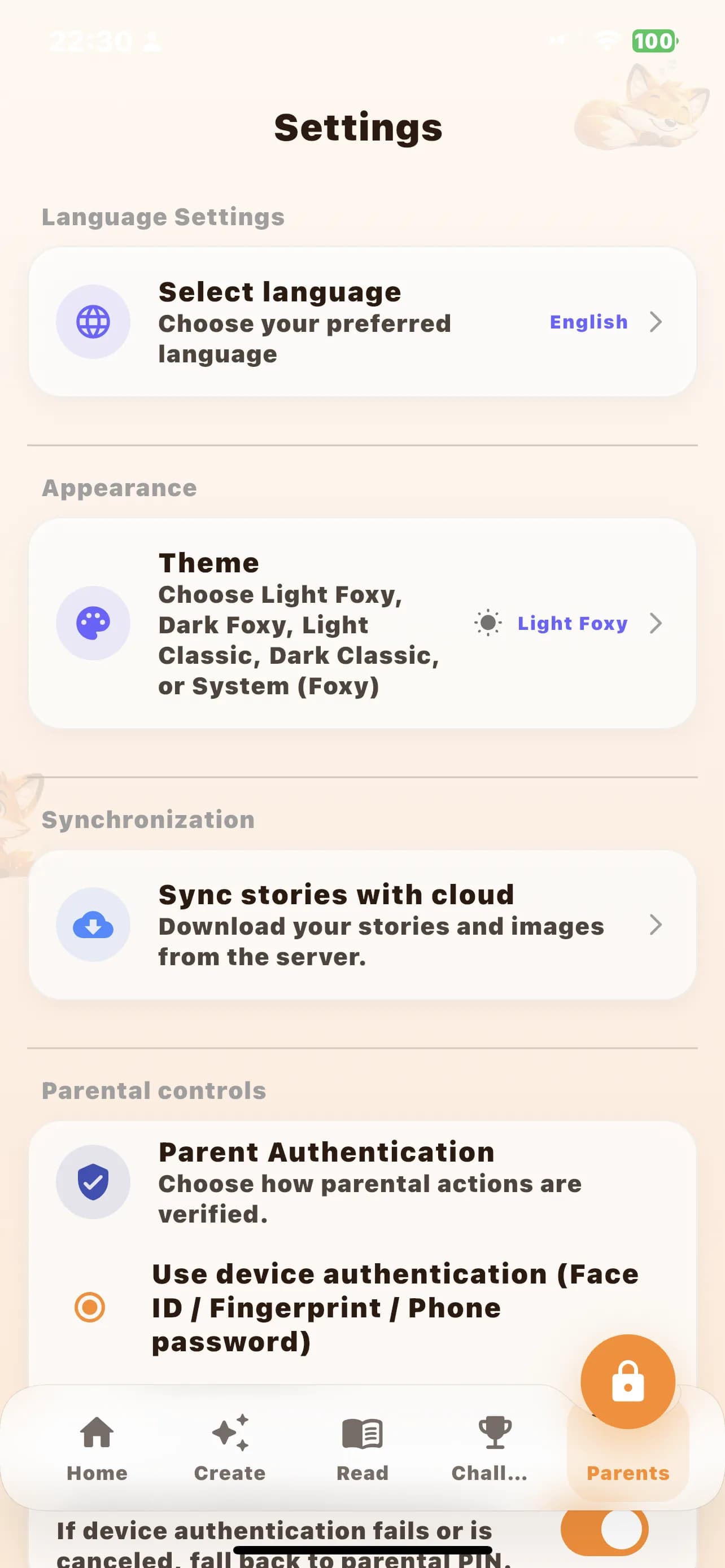
- Parent-sensitive areas stay separate from child-facing reading flows.
- Trust and AI transparency are explained in plain language before install.
- Story previews clearly show age range, reading time, and content positioning.
Parent guidance is part of the product
Lumora Kids is not presented as an app that should operate around adults or persuade children directly. The website reinforces the same posture as the product: parents stay in control of setup, trust decisions, and install actions.
Safety starts with clear expectations
Families should be able to understand what a story is, who it is for, and how long it takes before opening the app. Visible age ranges, reading-time guidance, and preview excerpts reduce the chance of mismatch and help parents choose calmly.
Trust information stays close to the journey
Safety content works best when it is discoverable before doubt turns into abandonment. That is why privacy, parent controls, and AI transparency are linked from the homepage, feature pages, and story previews instead of being buried in the footer alone.
More on Safety & Trust