

Safety & Trust
Parent Controls
A clear explanation of how sensitive actions stay parent-oriented, how boundaries are communicated, and why that matters for family trust.
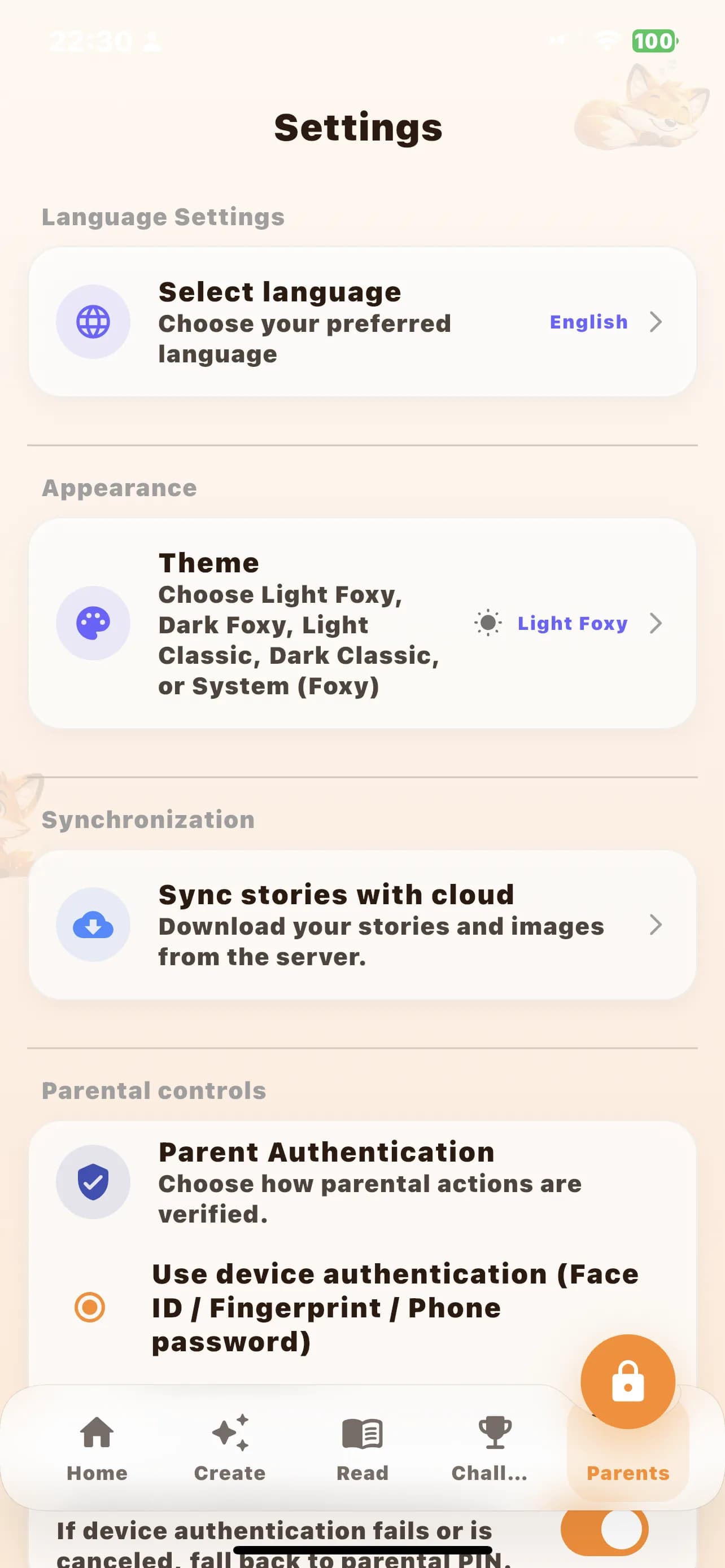
Why this matters on the website
Parent controls are not only an in-app feature. They are also a trust signal. When a family is deciding whether to install, they need to know early that purchases, settings, and other sensitive areas are not mixed into a child-directed experience.
Protected actions should feel unsurprising
Good family products reduce the chance of accidental or unclear actions. This page sets expectations that sensitive flows belong to the adult. The goal is not friction for its own sake. The goal is confidence that the app respects family boundaries.
Boundaries support conversion when they are specific
Generic promises do not build much trust. Specific language does. Explaining that protected areas remain parent-oriented helps remove one of the biggest install objections for family apps: uncertainty about who is really in control after download.
More on Safety & Trust