
Preguntas frecuentes
Preguntas comunes de padres y familias
Todo lo que necesitas saber sobre nuestras historias, funciones de seguridad y cómo funciona Lumora Kids para tu familia.
Filtra primero las preguntas
31 de 31 preguntas visibles
What ages is Lumora Kids designed for?
Lumora Kids is designed for families with children roughly ages 3 to 12. Story previews on the website show age range and reading time before a parent installs the app.
What kinds of stories does the app support?
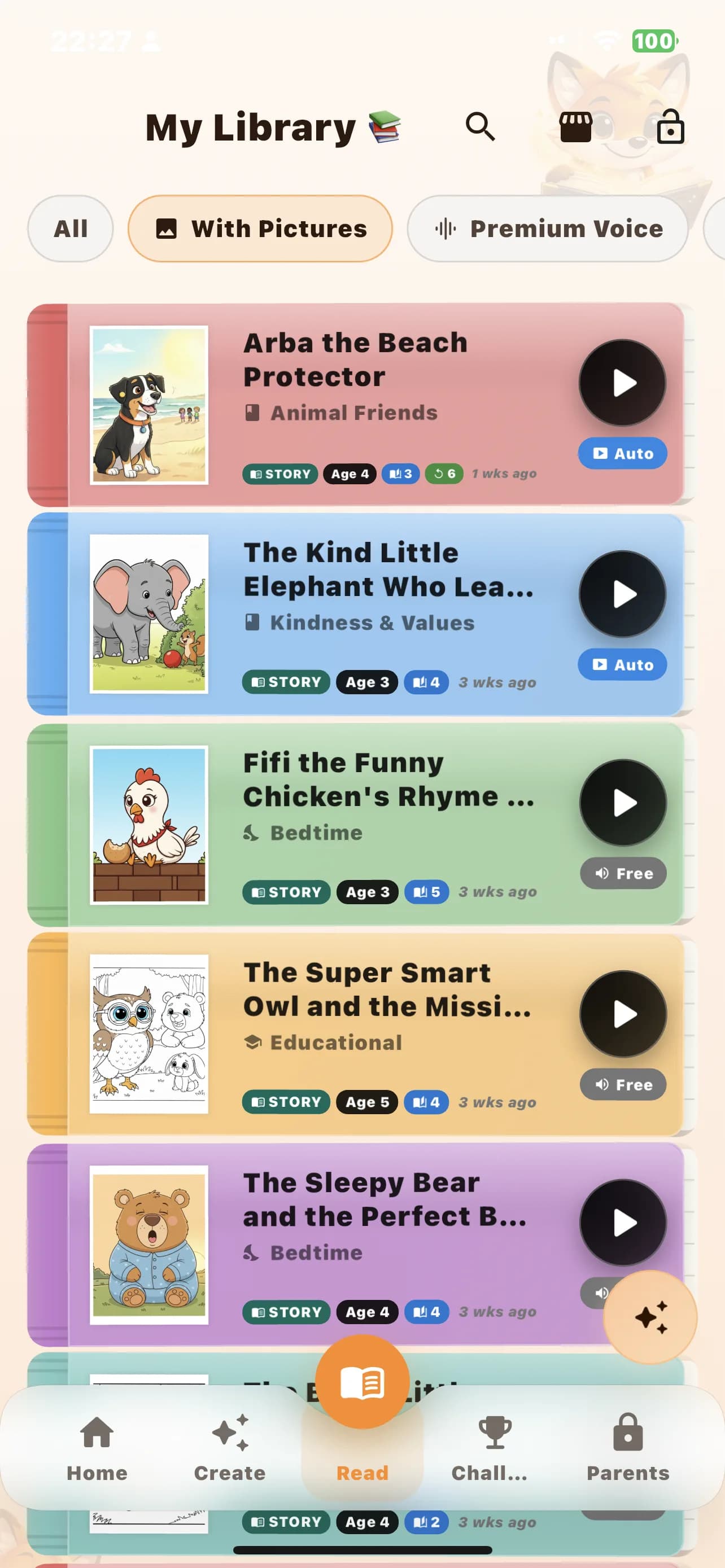
Lumora Kids supports standard stories, poems, audiobooks, and first-words experiences. Parents can use those different formats for bedtime, early reading, listening, and calmer replay.
Can I use Lumora Kids for more than one child?
Yes. The app is built around multiple child profiles, so families can keep separate reading context, interests, and progress for siblings.
Can each child have a separate profile?
Yes. Profiles can keep their own age band, avatar, interests, reading level, preferred themes, and story context so one child does not overwrite another.
Can parents choose the language before reading or creating?
Yes. Language is part of the setup and reading experience, so parents can choose the language that fits the child and the moment instead of relying on one default.
Which languages are supported right now?
The app already supports English, French, Arabic, German, and Spanish across key story and audio flows.
Can my child listen instead of having me read every page aloud?
Yes. Lumora Kids includes audio-focused reading support, including narrated listening flows and audiobook-style experiences for families who want help beyond the page.
Can I hear the voice before I install?
Yes. The website includes language-based voice previews so parents can hear tone before installing, and the app supports voice choice inside the experience as well.
Does the app use AI?
Yes. Stories, illustrations, and some audio experiences can use AI. Lumora Kids explains this openly so parents can make an informed decision before installation.
How do parent controls work?
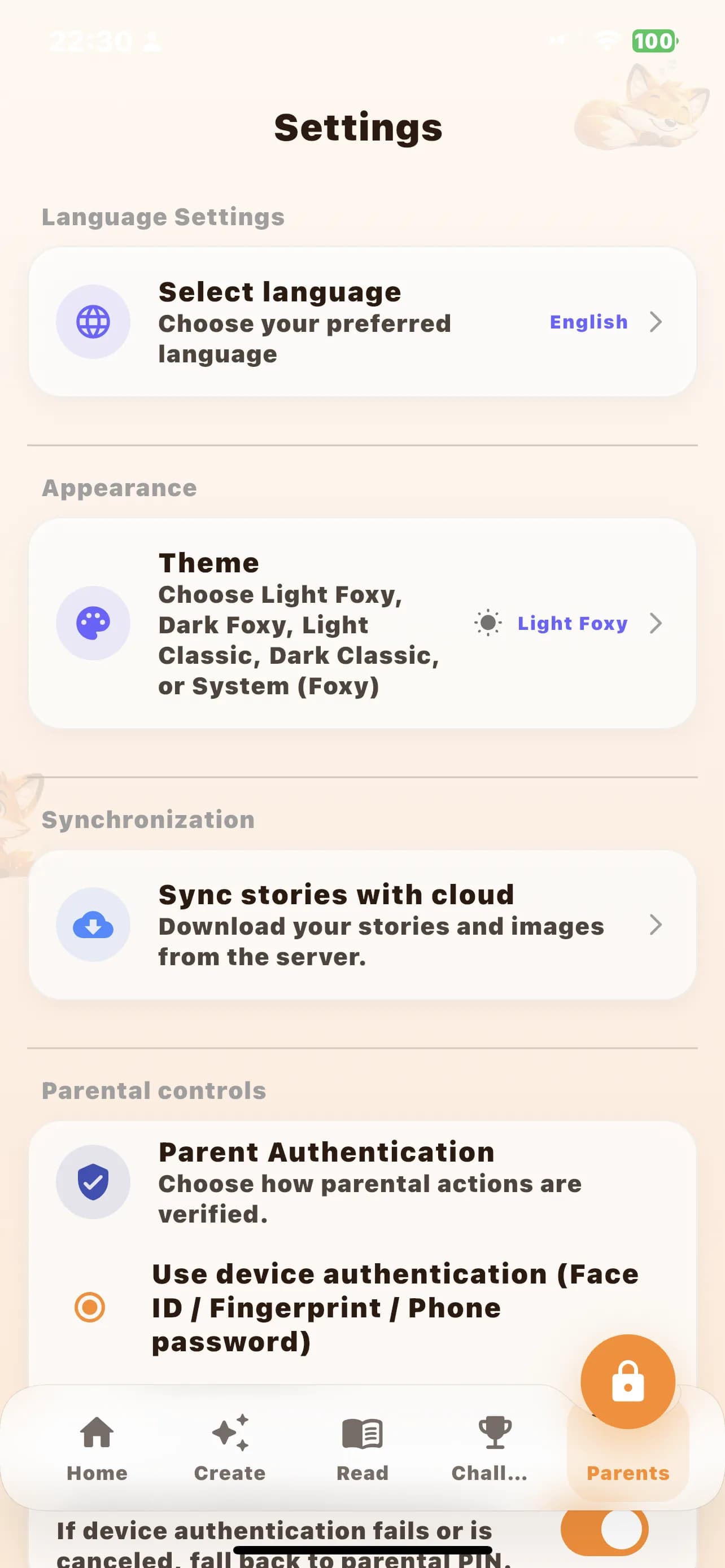
Parent-sensitive actions such as subscription, purchases, and protected settings are kept behind parent verification so the child reading flow stays separate from adult-only actions.
Does Lumora Kids have a kids mode?
Yes. The app includes a simplified kids reading mode so a child can stay in a more focused reading experience without easy access to adult areas.
Can parents protect the app with a PIN or biometrics?
Yes. Lumora Kids supports parent authentication patterns including device authentication and parent PIN protection for sensitive actions.
What happens if the parent PIN is still the default one?
The app tracks default PIN usage and is designed to push parents toward changing an easy default so children are less likely to guess it.
Can I start a story from a family photo?
Yes. Lumora Kids can start from a custom idea, a child profile, or a photo-based setup flow when parents want a more personal starting point.
How does the app handle photo privacy?
The app includes privacy-friendly face-blur handling in the photo flow so parents have a stronger privacy safeguard before a photo is used in story creation.
Can I choose the type of story before creating it?
Yes. Parents can choose the format before creation, including standard story, poem, audiobook, and first-words modes.
What is First Words mode?
First Words mode is designed to support very early reading by making the reading experience simpler, clearer, and better suited to children who are just starting with sounds and words.
What is audiobook mode?
Audiobook mode gives families a more listening-led version of the experience, which is especially useful for bedtime, car rides, tired evenings, or children who want to follow along by ear.
Can stories include music or read-along highlighting?
Yes. Lumora Kids already includes optional music support and read-along style highlighting in parts of the audio experience, depending on the story type and content.
Can families stop and come back later?
Yes. The app supports saved libraries, return reading behavior, and progress-aware experiences so families can come back without starting from scratch every time.
Does the app track reading goals or challenges?
Yes. Lumora Kids includes reading goals and challenge-style progress features that help families build reading consistency over time.
Can I export or print stories?
Yes. The app supports PDF export, and that makes it possible for parents to print or share selected story content in a more practical format.
Can stories be reused for coloring or play?
Yes. Some story content can continue into replay modes such as coloring and puzzle-style play, which helps the app feel useful beyond the first read.
Do subscriptions include monthly credits?
Yes. The subscription system is built around plans that include recurring credits, which are then used inside the app for supported paid experiences.
Are one-time packs available too?
Yes. The billing system supports both subscription plans and one-time packs, so families are not limited to a subscription-only model.
Where can I start a subscription?
Subscriptions can currently be started only inside the Android or iOS app through the platform purchase flow.
Can I subscribe on the website?
No. The website does not currently sell subscriptions. Subscription purchase flow is available only through the Android and iOS apps.
Is Lumora Kids available on the web?
Not yet. The website is for discovery, trust, previews, and install guidance. The full Lumora Kids app experience is not yet available on the web.
Can I restore purchases if I reinstall the app or change device?
Yes. The mobile app includes a restore purchases flow so parents can recover eligible purchases and then sync their wallet and entitlements again.
What should I do if a purchase does not appear right away?
First open the app again and give it a moment to sync. If needed, use the restore purchases option in the mobile app so the purchase can be checked again and linked back to the account.
Can I manage or cancel my subscription later?
Yes. Lumora Kids includes a manage-plan flow with options to review the current plan, restore purchases, change plan, and cancel subscription from the mobile app side of the experience.